

How to Setup IPTV on Firestick in 2026: The Complete Guide
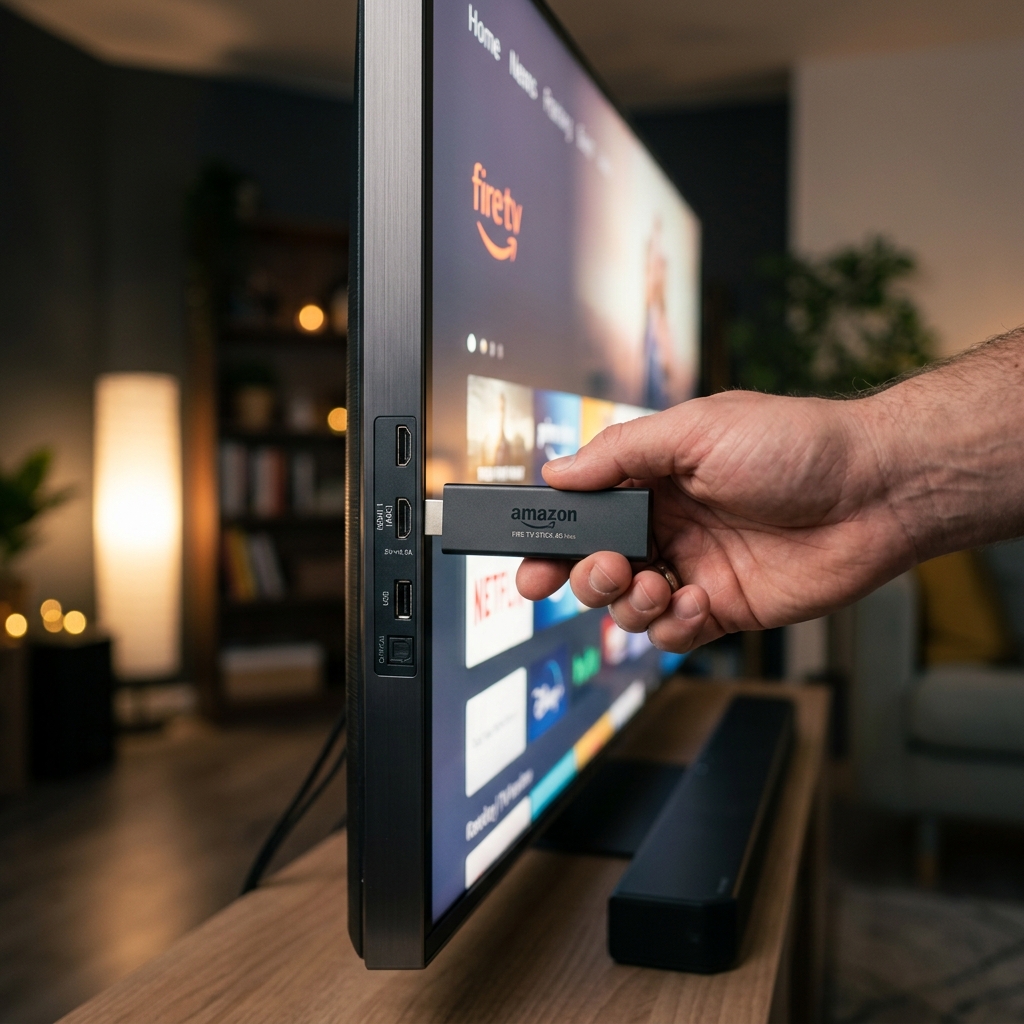
To setup IPTV on Firestick in 2026, you must first unlock Developer Options via the "7-click" method, install the Downloader app, and then sideload a premium player like Tivimate or Smarters Pro. This process takes less than 5 minutes and grants you access to over 30,000 live channels. For the best result, we recommend a high-speed IPTV subscription from the Nexus4kTv platform using our Nexus 4K IPTV streams.
Step 1: Unlock Developer Options (The 2026 Fix)
Amazon has recently hidden the 'Developer Options' menu to prevent accidental system modifications. To reveal it, navigate to Settings > My Fire TV > About. Highlight your device name and click the center 'Select' button on your remote rapidly 7 times. You will see a notification: "No need, you are already a developer." This is essential for sideloading your IPTV applications.
Step 2: Install Downloader and Your IPTV Player
Once developer options are enabled, go back to Settings > My Fire TV > Developer Options and enable "Install Unknown Apps" for the Downloader app. If you don't have Downloader, find it in the Amazon Appstore. Open it and enter the direct URL for your chosen player (e.g., tivimate.com or a specific APK code). This allows you to bypass Appstore restrictions for a true 4K streaming experience.
Firestick Model Performance Comparison
Not all Firesticks are created equal. In 2026, the hardware requirements for uncompressed 4K IPTV have increased. Below is a comparison of how different models handle high-bitrate streams.
| Model | RAM / Processor | 4K Performance | Wi-Fi Standard |
|---|---|---|---|
| Fire Stick Lite | 1GB / Quad-core | Poor (1080p only) | Wi-Fi 5 |
| Fire Stick 4K | 1.5GB / Quad-core | Good | Wi-Fi 5 |
| Fire Stick 4K Max | 2GB / Octa-core | Exceptional | Wi-Fi 6E |
Optimizing Your Connection for Zero Buffering
Even with the best hardware, ISP throttling can ruin your best IPTV experience. Data from NetIndex 2025 shows that major ISPs often throttle high-bandwidth streaming ports during peak hours. To counter this, we recommend using a dedicated VPN or an Ethernet adapter. A wired connection reduces latency by up to 15ms, ensuring your sports streams never lag during critical moments.
Frequently Asked Questions
Is it legal to setup IPTV on Firestick?
Yes, configuring your device is legal; always use a reputable Nexus 4K IPTV subscription for the best content.
Why is my Firestick IPTV buffering?
Buffering is often a result of local network congestion or ISP limits—consider a VPN for consistent 4K speeds.
Which app is best for Firestick in 2026?
We recommend Tivimate for its stability. You can test it today with our Free Trial.
Ready to transform your TV? Follow these steps and join thousands of satisfied users who have cut the cord. Get your Nexus 4K IPTV credentials now and start watching in minutes.


