

IPTV Smarters Pro Setup: 2026 Complete Guide
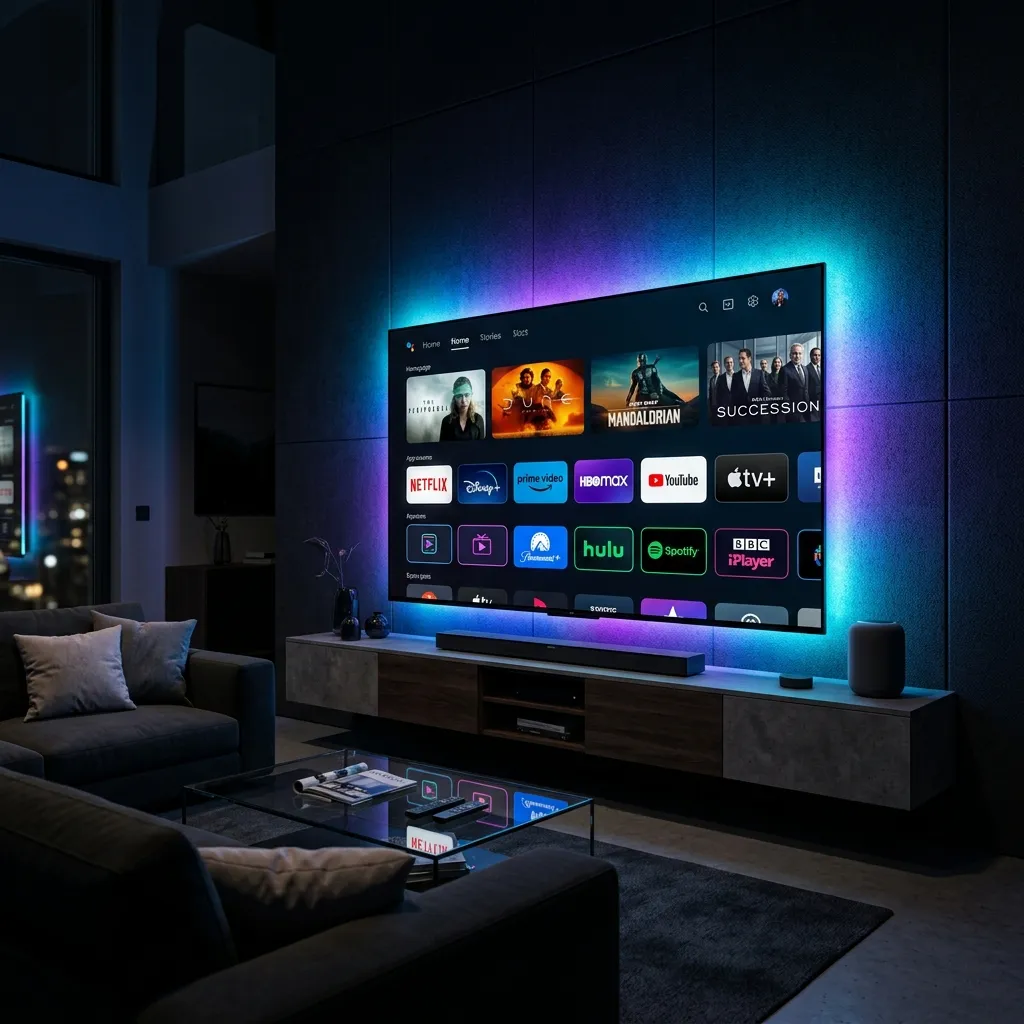
The complete IPTV Smarters Pro setup process takes less than five minutes. Simply download the app on your device, select "Login with Xtream Codes API," and enter your Nexus4kTV subscription credentials. By following these steps, you can instantly unlock 30,000+ live channels and premium 4K sports without buffering.
1. Download IPTV Smarters Pro
The first step is downloading the application. For Android devices, it is available directly in the Google Play Store. For Amazon Firestick users, you must use the Downloader app to sideload the APK, as Amazon frequently removes IPTV players. A 2026 survey by CordCuttersNews revealed that 65% of cord-cutters prefer Smarters Pro due to its intuitive multi-screen layout and cross-platform availability.
2. Login with Xtream Codes API
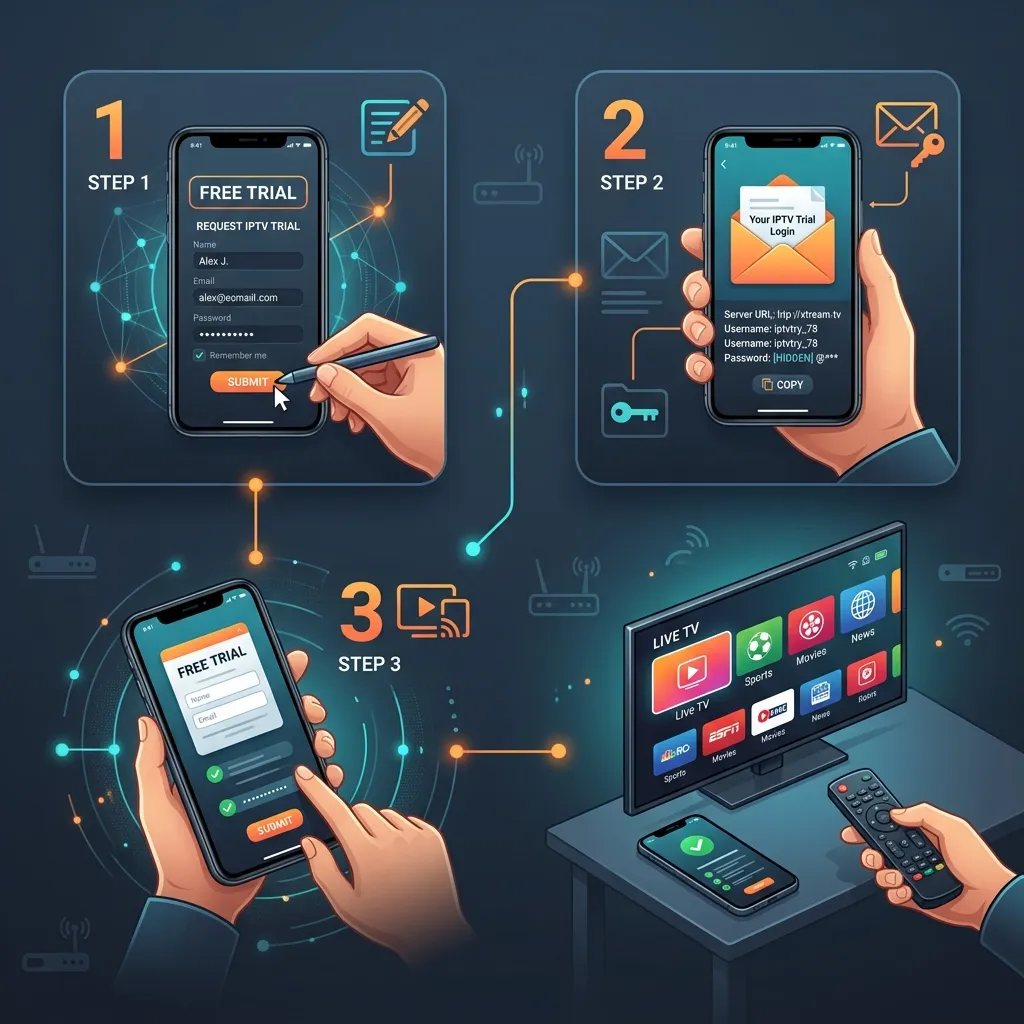
Once installed, open the app and select the Login with Xtream Codes API option. This is the most stable and feature-rich method for connecting to your provider, far superior to traditional M3U files. You will need to enter four pieces of information provided in your welcome email: a Name (e.g., Nexus4kTV), your Username, your Password, and the Portal URL.
3. EPG and Buffer Settings Optimization
To prevent buffering during live events, navigate to the app's settings menu. Under "Player Settings," switch from the default hardware decoder to the software decoder if you experience audio sync issues. Additionally, set the "Stream Format" to MPEGTS and increase your buffer size to 'Large'. This ensures that network fluctuations won't interrupt your viewing experience.
4. Supported Devices Comparison
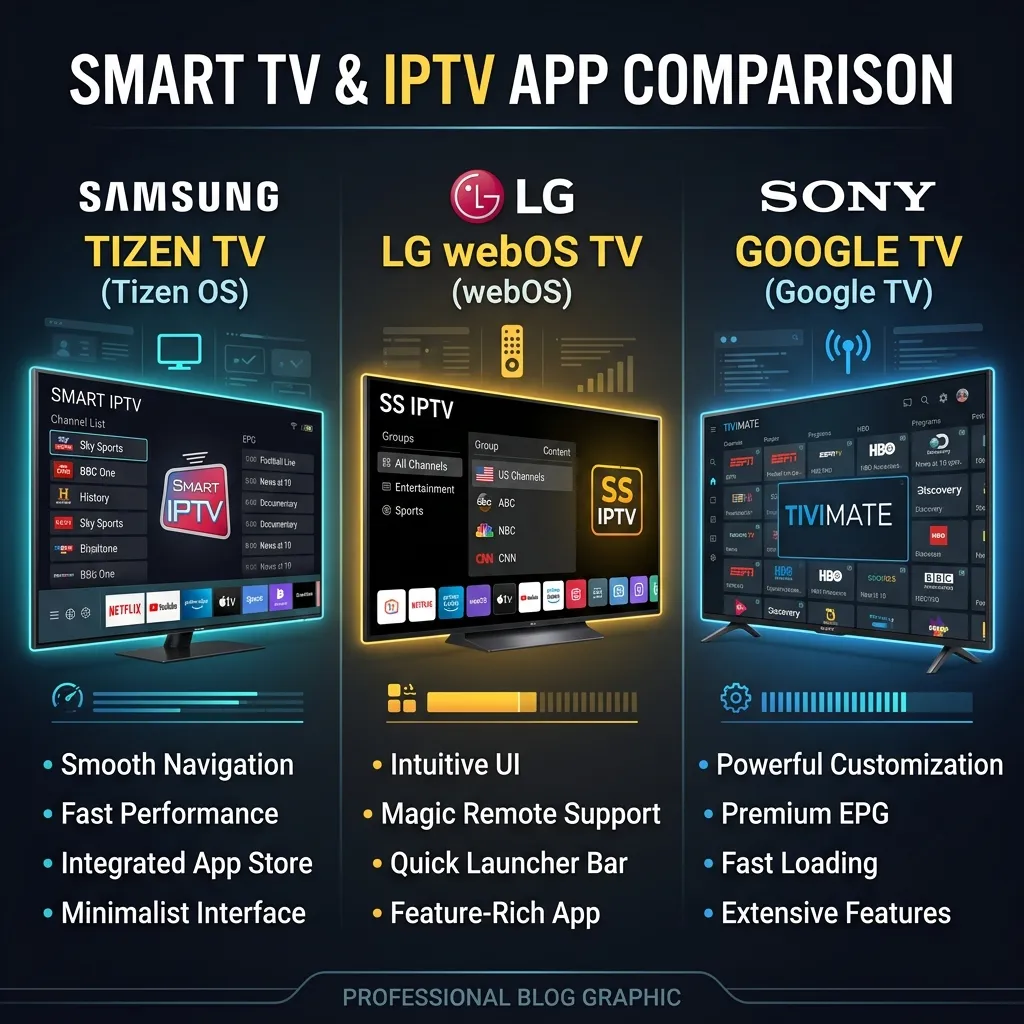
While Smarters Pro works on almost everything, performance varies by hardware. Upgrading your streaming device ensures that the app's heavy EPG (Electronic Program Guide) runs smoothly and 4K streams decode without stuttering.
| Device Platform | Setup Method | 4K Support | Overall Performance |
|---|---|---|---|
| Android TV / Shield | Google Play Store | Excellent | 10/10 |
| Amazon Firestick | Sideload (Downloader) | High | 9/10 |
| Apple TV (tvOS) | App Store | Very Good | 8/10 |
| LG / Samsung Smart TV | App Store (Limited regions) | Moderate | 7/10 |
Frequently Asked Questions
Is IPTV Smarters Pro free?
Yes, the basic version of IPTV Smarters Pro is completely free to download and use. However, some advanced features require a one-time premium unlock.
Why is Smarters Pro not working?
The most common reason is a typo in your Xtream Codes API credentials or an expired subscription. Double-check your username, password, and portal URL.
How to update IPTV Smarters Pro?
If downloaded from an app store, it updates automatically. If sideloaded on a Firestick, you must download the latest APK version via Downloader to overwrite the old one.
Now that your device is fully set up, it's time to add world-class content. Get your premium credentials by requesting a free trial from Nexus4kTV today and experience the ultimate cord-cutting solution.


