

What Internet Speed is Required for 4K IPTV Streaming in 2026?
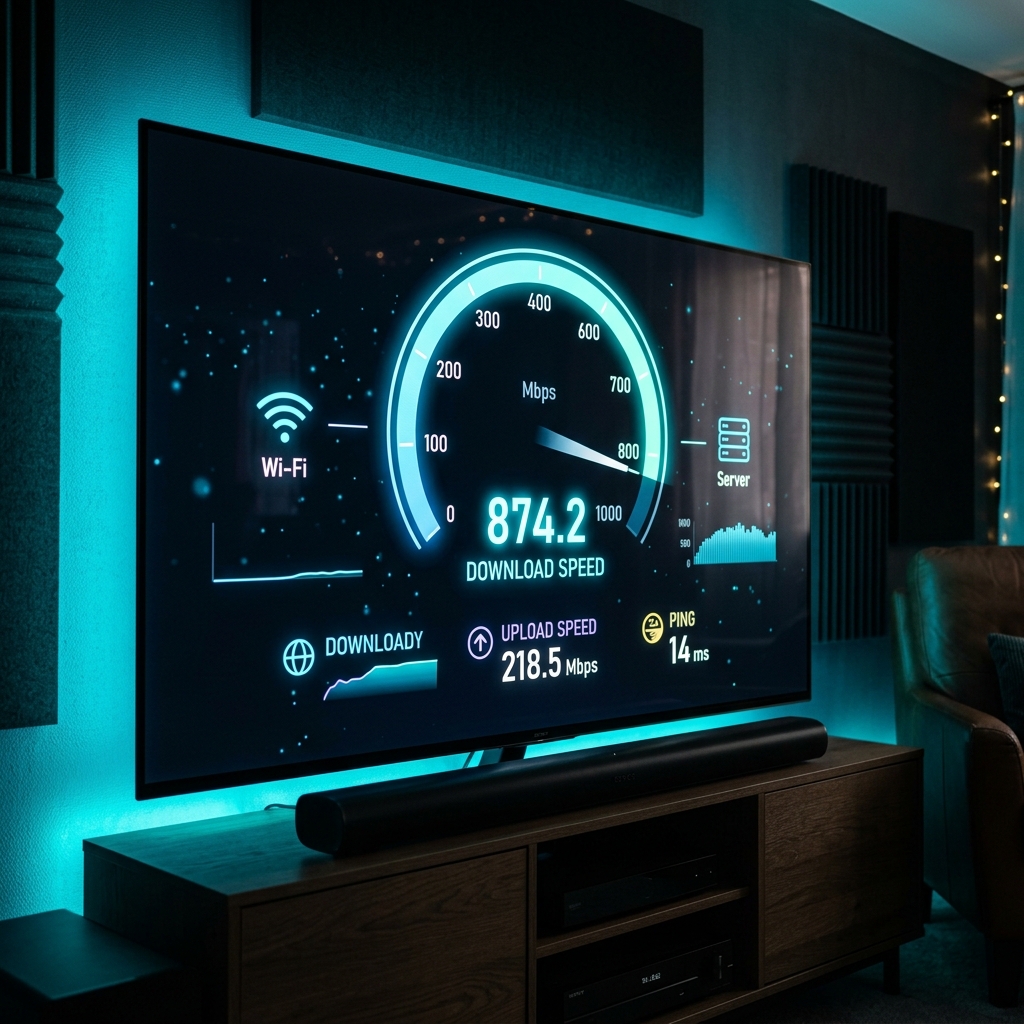
The minimum internet speed required for 4K IPTV streaming in 2026 is a stable 25 to 30 Mbps. However, for a flawless, zero-buffering experience during peak live sports broadcasts on Nexus 4K IPTV, a dedicated 50 Mbps download speed is highly recommended to account for network fluctuations and device overhead.
The Minimum Mbps Requirements for Live IPTV
Streaming quality heavily depends on resolution and compression. Here are the true 2026 baseline speeds needed for uninterrupted viewing:
- Standard Definition (SD): 5 Mbps
- High Definition (HD/1080p): 10 to 15 Mbps
- Ultra High Definition (4K/UHD): 25 to 30 Mbps minimum (50 Mbps recommended)
If your household has multiple active devices, you must calculate cumulative bandwidth. For example, if someone is gaming online while you watch a 4K movie, your total household plan should exceed 100 Mbps to prevent bottlenecks on your primary streaming device.
Why Live TV Requires More Bandwidth Than Netflix
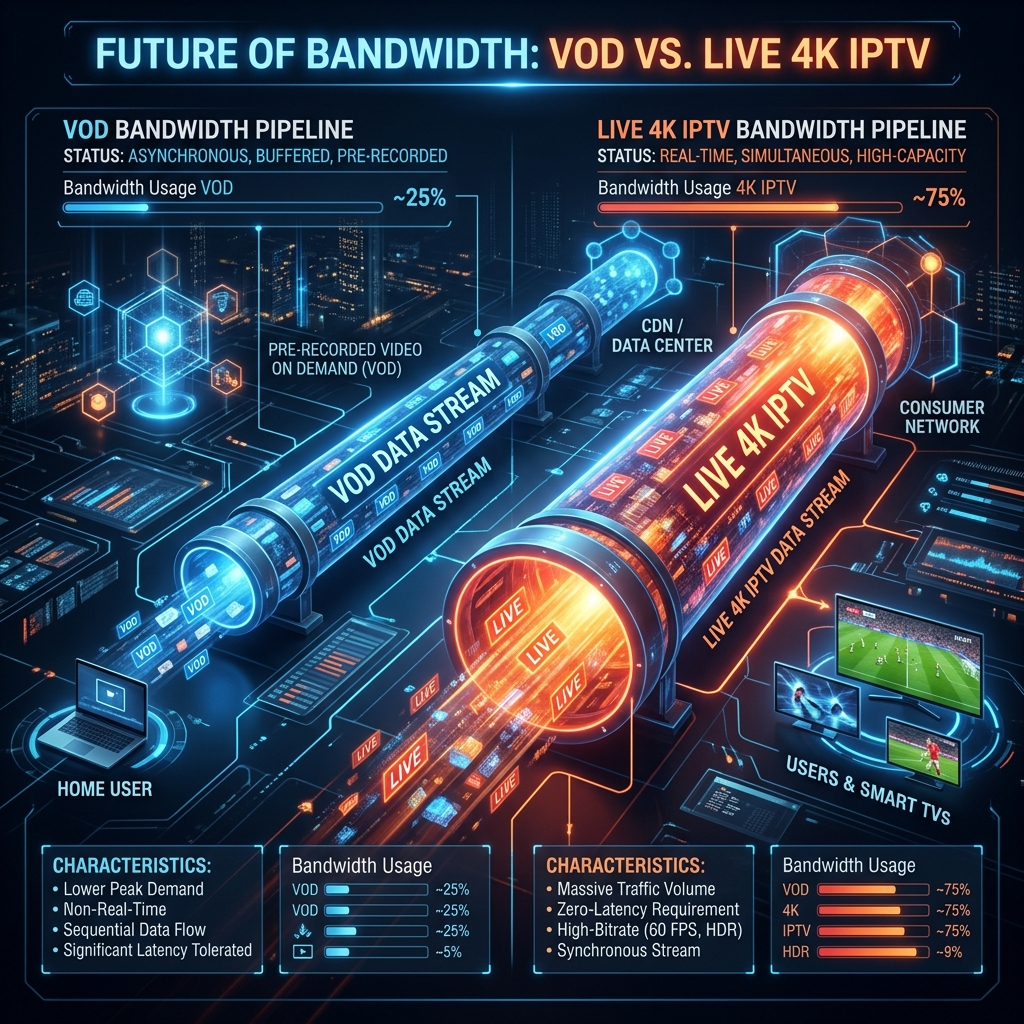
Many users wonder why their 40 Mbps connection plays Netflix flawlessly but struggles with live IPTV. The answer lies in how the data is delivered. Netflix uses VOD (Video on Demand) buffering, meaning it quietly downloads the next few minutes of your movie in the background. If your speed dips briefly, the pre-loaded buffer prevents the video from stopping.
Live IPTV, especially uncompressed 50fps sports feeds, happens in real-time. There is very little runway to build a buffer. Any micro-drop in your internet connection instantly results in the dreaded loading circle. This is why a highly stable connection is far more important than just a high peak speed.
How to Accurately Test Your Streaming Speed
Testing your speed on your smartphone while standing next to the router is the biggest mistake you can make. You must test the speed at the exact device where you are streaming.
If you are using a Firestick or Android TV, download the "Analiti" Speed Test app or the official "Speedtest by Ookla" app directly onto the device. Run the test during peak evening hours (8 PM - 10 PM) when neighborhood network congestion is highest. If the result on your TV is significantly lower than what you pay for, your WiFi signal is likely degrading before it reaches the living room.
Fixing Internet Speed Drops and Buffering Issues
If your speed test reveals that you meet the 50 Mbps requirement but you are still experiencing lag, consider the following technical fixes:
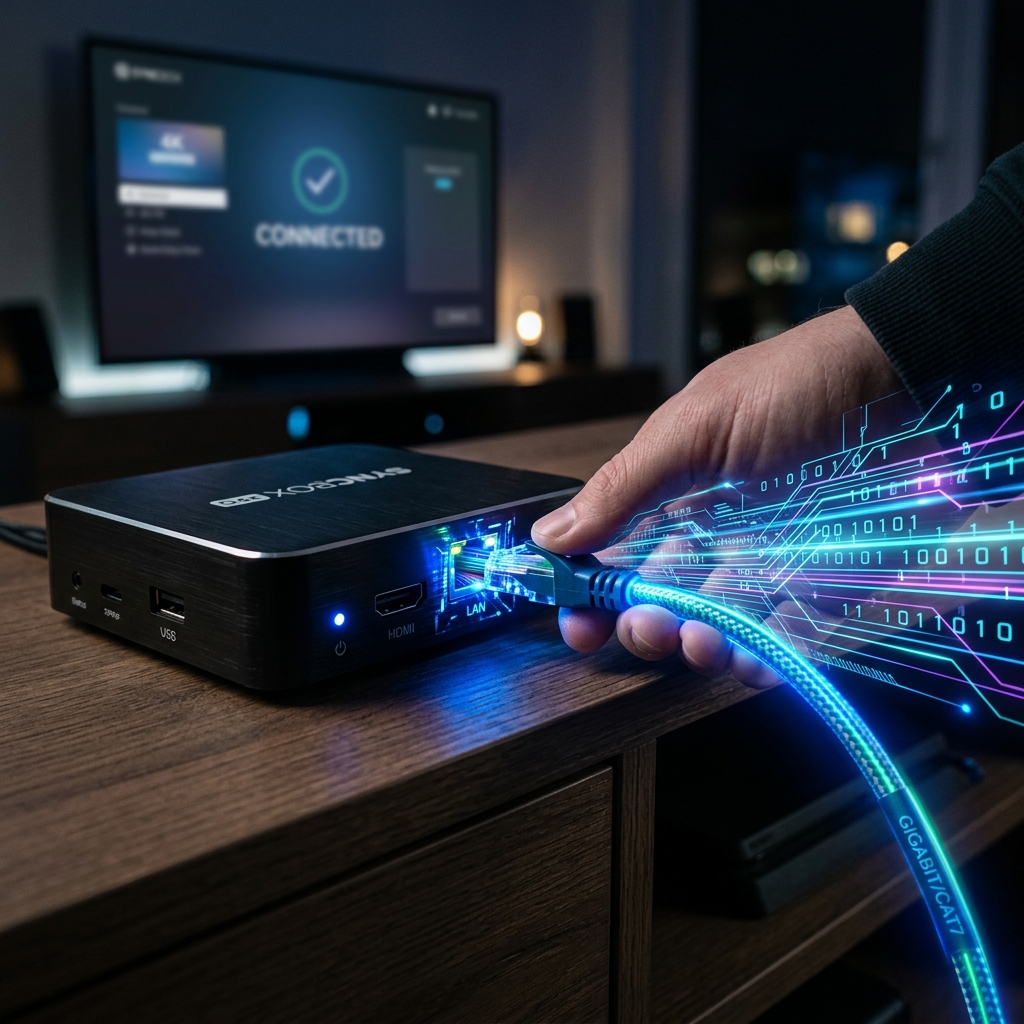
- Ditch the WiFi: Whenever possible, connect your Smart TV or MAG Box directly to your router using an Ethernet cable. Wireless interference from walls, microwaves, and neighbor networks is the #1 cause of packet loss.
- Bypass ISP Throttling: Internet Service Providers frequently throttle high-bandwidth video streams during peak hours. Using a premium VPN masks your traffic and restores your full speed. Check our guide on the best VPN for IPTV for recommendations.
- Upgrade Your Player: Sometimes the bottleneck is software decoding. Make sure you are using a top-tier application by reviewing our Best IPTV Players for 4K Streaming list.
With a fast, hardwired connection and a premium Nexus 4k IPTV subscription, you will experience the true power of 4K live television without a single second of buffering.


