

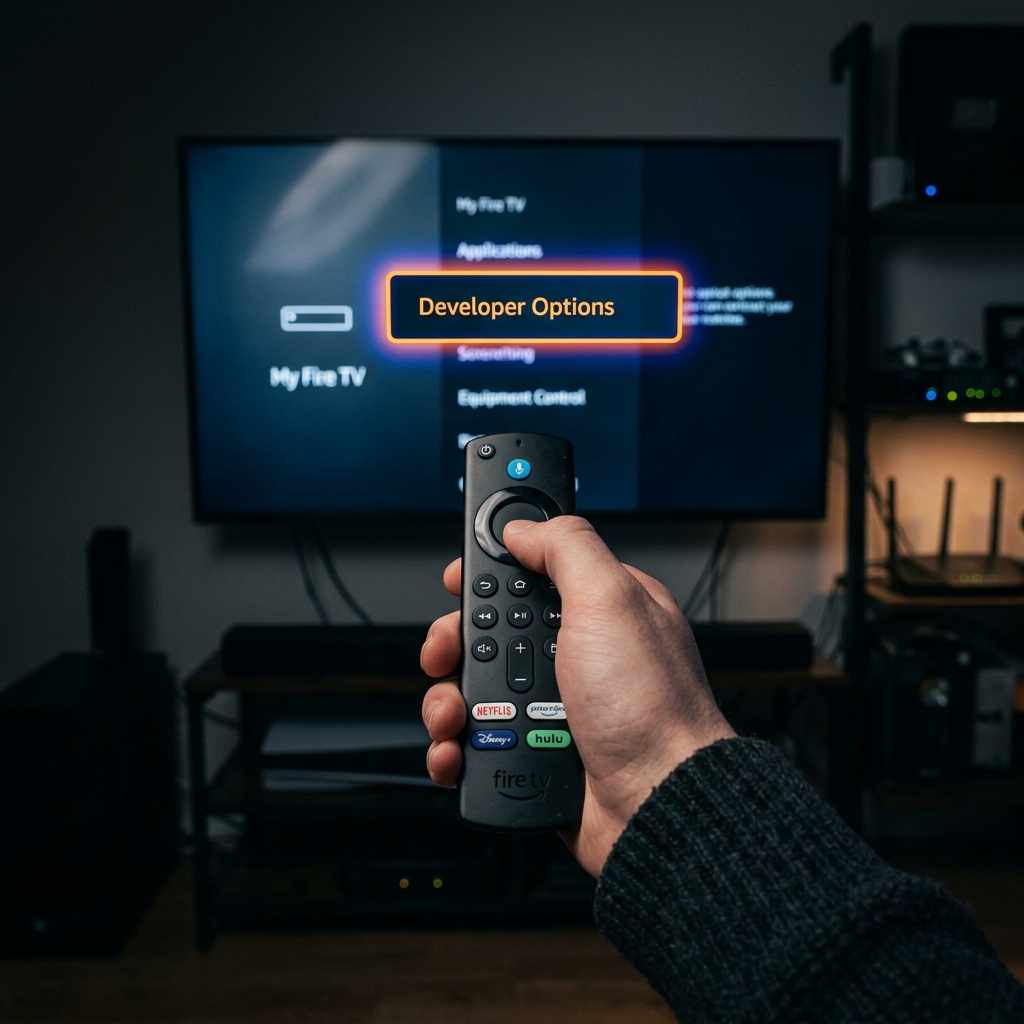
If you're trying to install a third-party IPTV app and can't find 'Developer Options' on your Fire TV Stick, don't worry. Amazon hasn't removed the feature; they've simply hidden it to prevent accidental system changes. Here is the 2026 fix.
The "Secret" 7-Click Method
Amazon has adopted Android's standard "Easter egg" method for unlocking developer settings. To restore the menu, go to Settings > My Fire TV > About, highlight your device name, and click the center 'Select' button on your remote exactly 7 times. You will see a countdown: "You are now X steps away from being a developer."
Why Did Amazon Hide It?
As the streaming ecosystem becomes more complex, Amazon wants to ensure that only users who specifically need sideloading access have it enabled. This reduces the risk of malware and system instability for casual users. Once unlocked, 'Developer Options' will remain visible in the 'My Fire TV' menu.
Troubleshooting Summary
| Issue | Solution | Time Required |
|---|---|---|
| Menu Missing | 7-Click Method | 30 Seconds |
| Menu Won't Unlock | Update FireOS | 2 Minutes |
| App Won't Install | Enable Unknown Sources | 10 Seconds |
Frequently Asked Questions
Is it safe to enable Developer Options?
Yes, as long as you only install trusted applications from verified sources like Nexus 4K IPTV.
Will a factory reset hide Developer Options again?
Yes, a factory reset will return your Firestick to its original state, hiding the menu again.
Now that you've unlocked your Firestick, it's time to install the world's best IPTV service. Explore Nexus 4K IPTV's features on our homepage and choose a pricing plan that fits your needs — start streaming in 4K today.


