

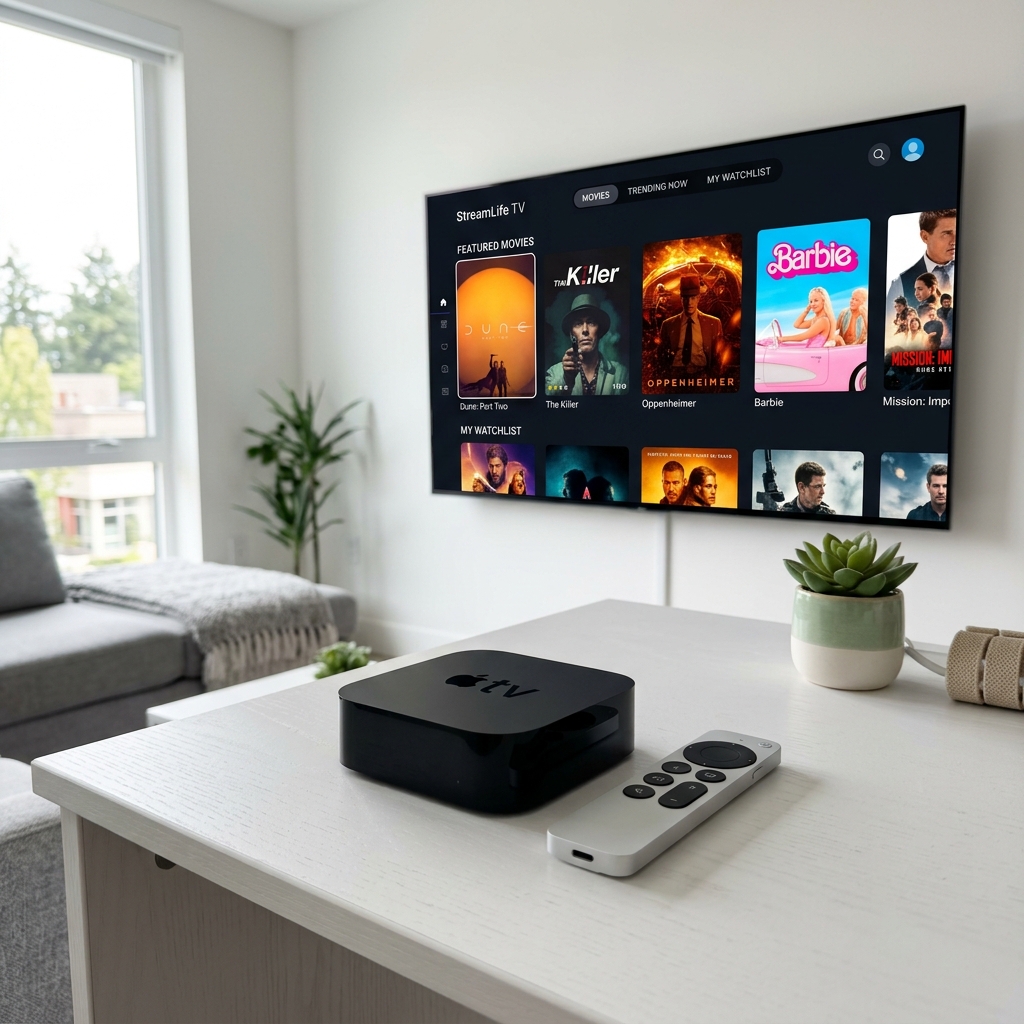
The Apple TV 4K is an incredibly powerful streaming device, but because Apple's App Store policies are strict, finding the right IPTV player can be a challenge. In 2026, a few standout apps have emerged as the clear leaders for tvOS enthusiasts.
1. iPlayTV: The Premium Choice
iPlayTV remains the most native-feeling app on the platform. It integrates perfectly with the Apple ecosystem, supporting the Siri Remote's touch gestures and providing a sleek, minimalist interface that puts your content front and center.
2. IPTV Smarters Player: The Reliable Standard
If you're familiar with Smarters on other platforms, the Apple TV version provides a consistent experience. It's easy to set up using your Xtream Codes API details and offers robust support for EPGs and VOD content.
3. Setup Process via Xtream Codes
Most premium apps on Apple TV use the Xtream Codes API. To set it up, simply download your app, select "Add User," and enter the Server URL, Username, and Password provided in your Nexus 4K IPTV welcome email. The app will then sync thousands of channels in seconds.
Best IPTV Apps for Apple TV (2026)
| App Name | UI Design | Setup Difficulty | 4K Support |
|---|---|---|---|
| iPlayTV | Minimalist / Premium | Moderate | Excellent |
| GSE Smart IPTV | Functional | Advanced | High |
| Smarters Pro | Standard | Easy | Good |
Frequently Asked Questions
Is there a free IPTV app for Apple TV?
Yes, IPTV Smarters is free to download, though some features may require an in-app purchase for the full experience.
Can Apple TV play 4K IPTV streams?
Absolutely. The Apple TV 4K is one of the best devices for handling high-bitrate 4K IPTV streams without lag.
Unlock the full potential of your Apple TV 4K today. Subscribe to Nexus 4K IPTV and experience 4K streaming as it was meant to be. Explore everything we offer on the Nexus 4K IPTV homepage, or go straight to our pricing page to get started.


